

|
|
|---|
|
|---|
|
Create Templates
Stage 1
Navigate to QM and click the design center tab in the upper menu bar. 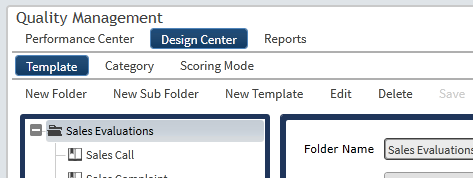
Select the appropriate folder or sub-folder for the new templates from the navigation panel Click the new template tab in the lower menu bar |
|---|
|
|---|